
Milky Way Magic Adaptive Presets
Transform your Milky Way photos in minutes
Edit your RAW files with a complete Lightroom workflow powered by adaptive masks. Enhance the Milky Way, correct the colors, and achieve natural results while keeping full control over your edit.
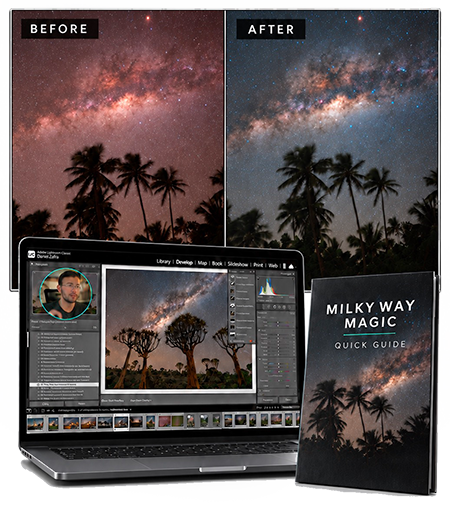
Adaptive Milky Way presets
- Instant download
- Lifetime access
- One-time payment
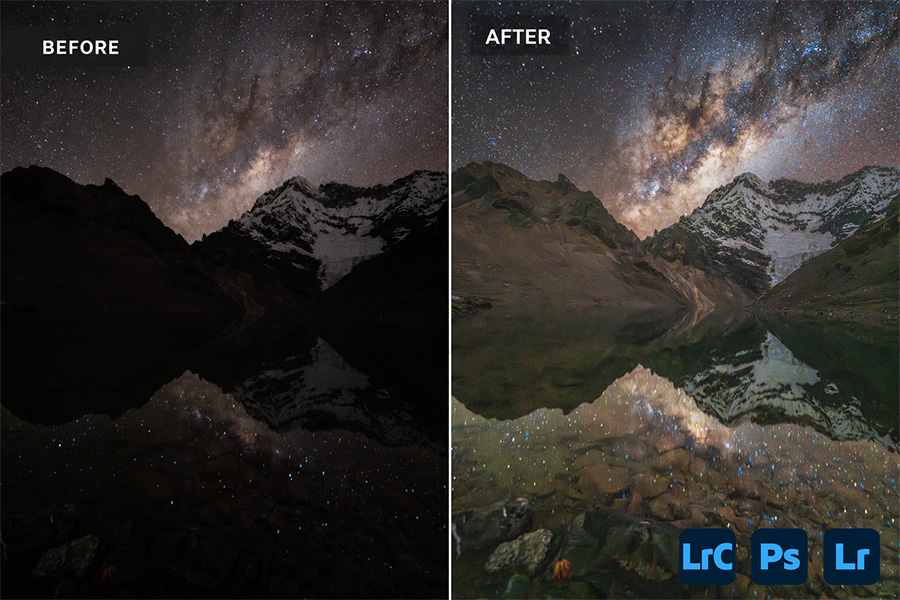
Lightroom presets are a powerful tool to quickly edit your images. You can follow a repeatable workflow and achieve results fast.
However, traditional presets were not built for today’s Lightroom
Most traditional presets rely mainly on global adjustments that apply the same settings to the entire image. They cannot distinguish between the Milky Way, the rest of the sky, and the foreground, even though each area requires a different approach.
Many presets also include several versions of every adjustment, becoming a slow process of trial and error.
How the adaptive presets work
Milky Way Magic Presets replaces this outdated approach with an adaptive workflow that identifies specific areas of your image and applies targeted adjustments where they are actually needed.
● It takes full advantage of Lightroom’s AI masking tools, isolating the sky, foreground, or the different brightness and colors of the image.
● You don’t need to test several versions of the same adjustment, only one version that works.
● The workflow is repeatable and effective regardless of the image type or details.


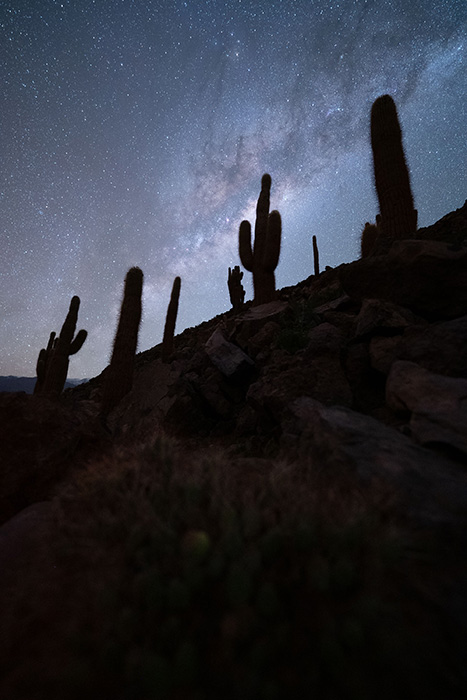
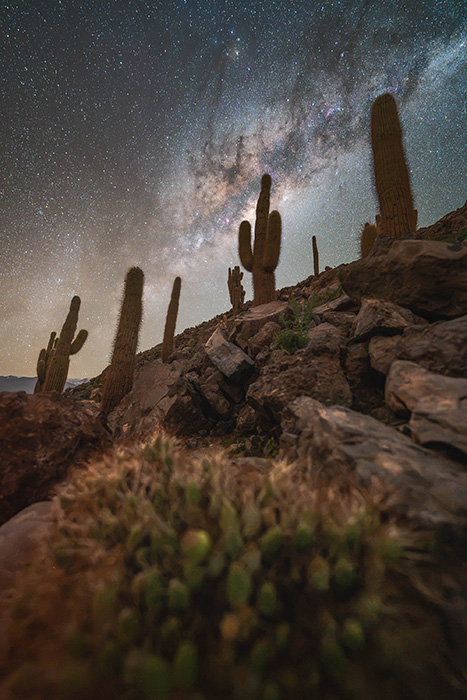
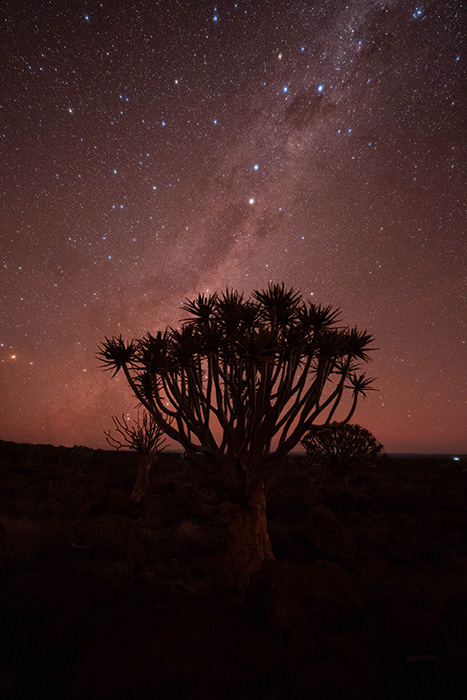
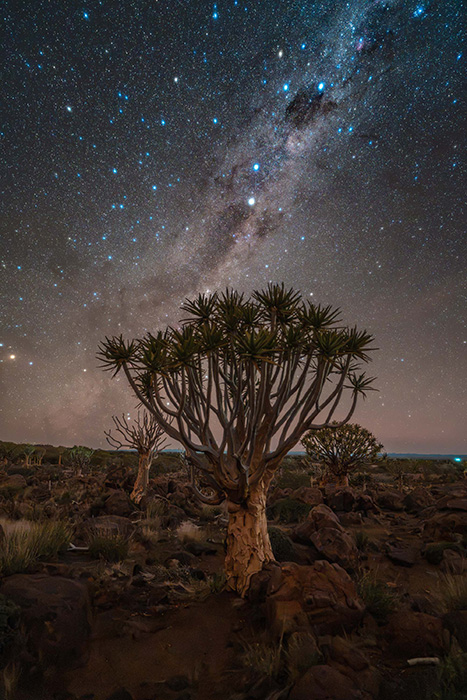
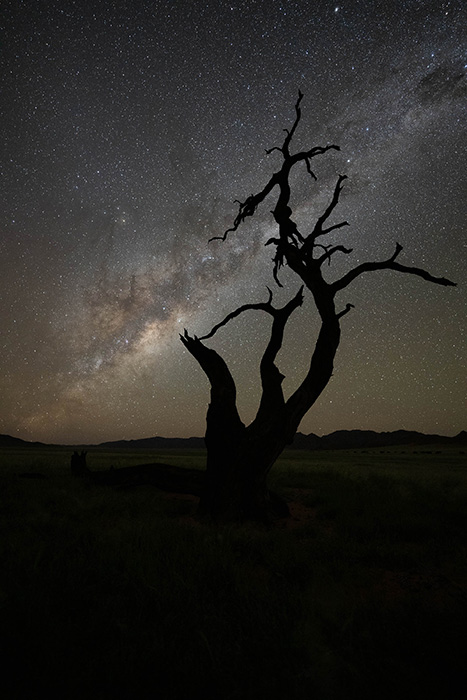
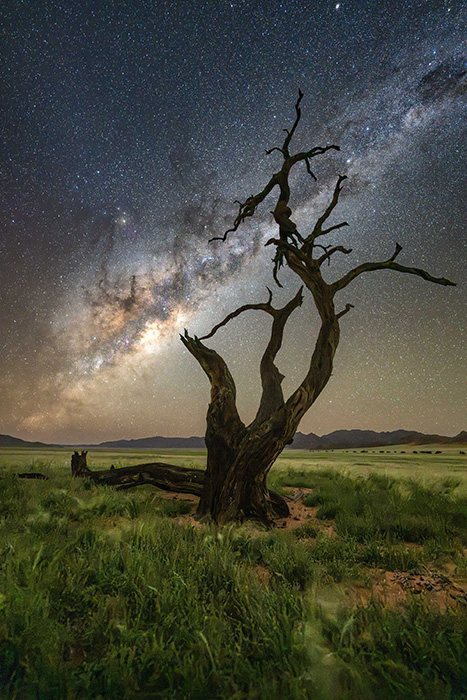
Get the Milky Way Magic Adaptive Presets for $68
Everything you need for a faster editing workflow
Milky Way Adaptive Presets
4 Lessons | 1 hr
$68
- Milky Way Magic Adaptive Presets
- Step-by-Step Video Tutorials
- Practice RAW Files
- Presets Workflow Guide
- Real Editing Examples
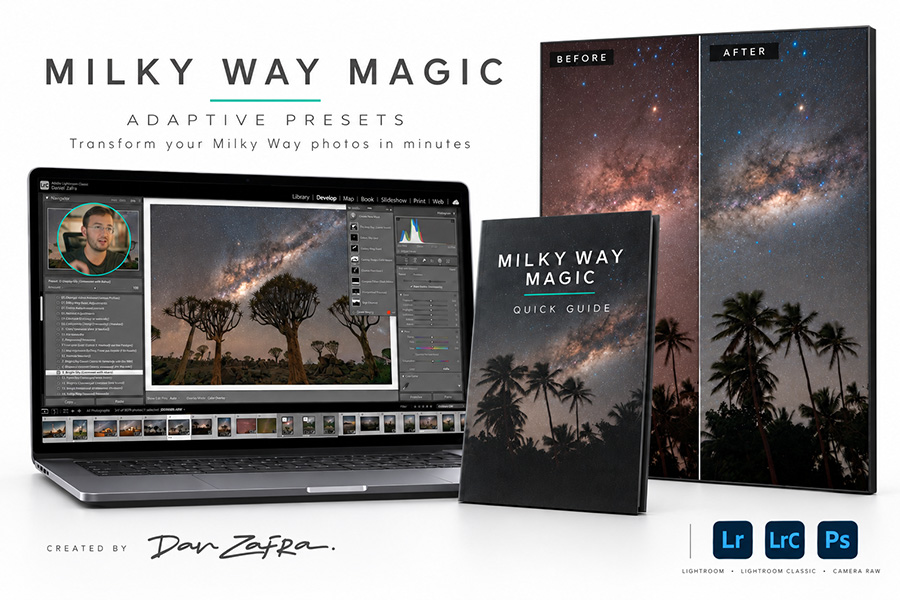
What’s inside
Milky Way Magic Adaptive Presets
A complete collection of Lightroom presets powered by AI masking and local adjustments. Enhance the Milky Way, balance the sky and foreground, refine color, and control contrast through one flexible workflow.
Step-by-Step Video Tutorials
Around one hour of practical lessons showing you how to install the presets, follow the complete workflow, customize each adjustment, and apply the system to different types of Milky Way images.
Practice RAW Files
Download the same RAW files used in the lessons so you can follow every step and practice the workflow before applying it to your own photographs.
Presets Workflow Guide
A downloadable reference guide containing the complete editing sequence, helpful reminders, and the recommended steps for using the presets efficiently.
Real Editing Examples
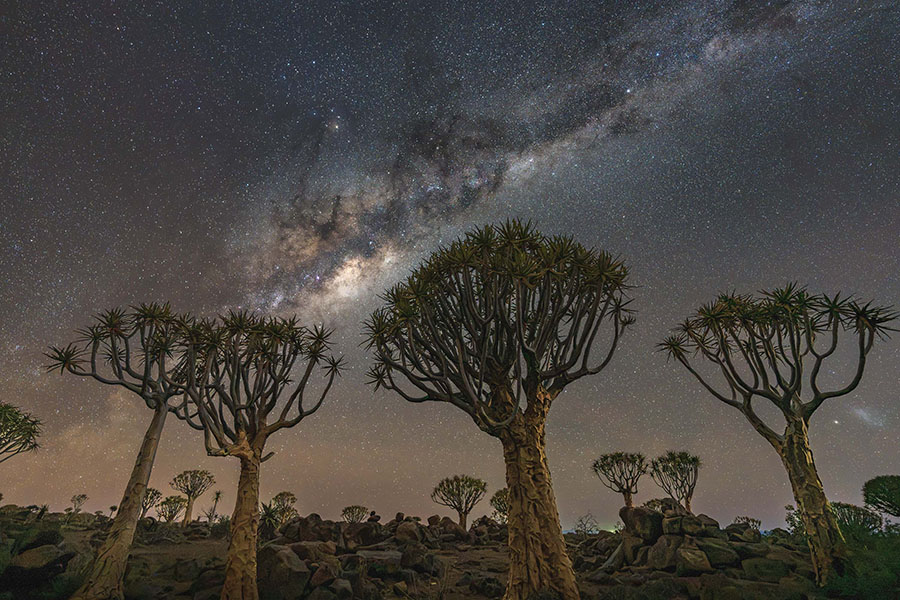
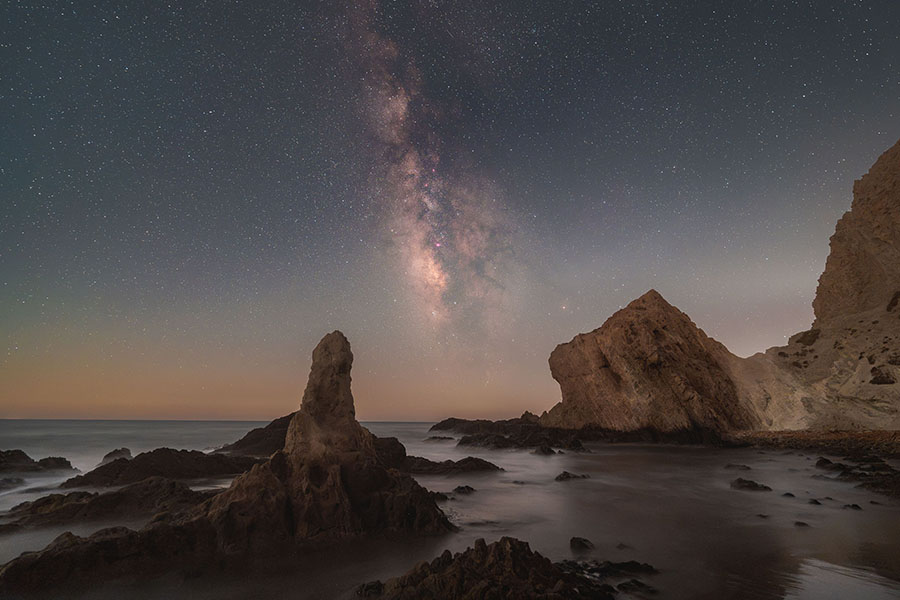
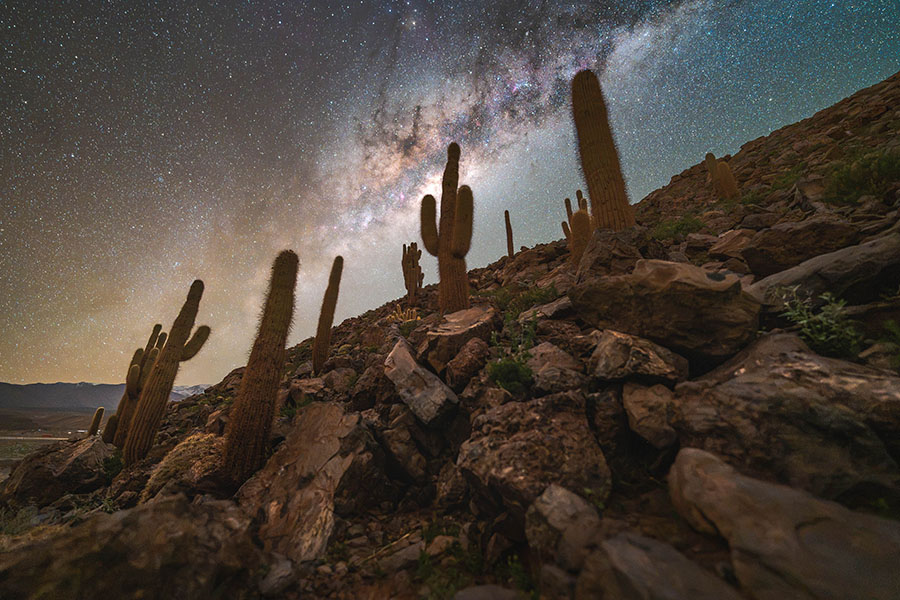
See how the workflow adapts to images captured under different conditions, including varying skies, foregrounds, colors, and levels of light pollution.
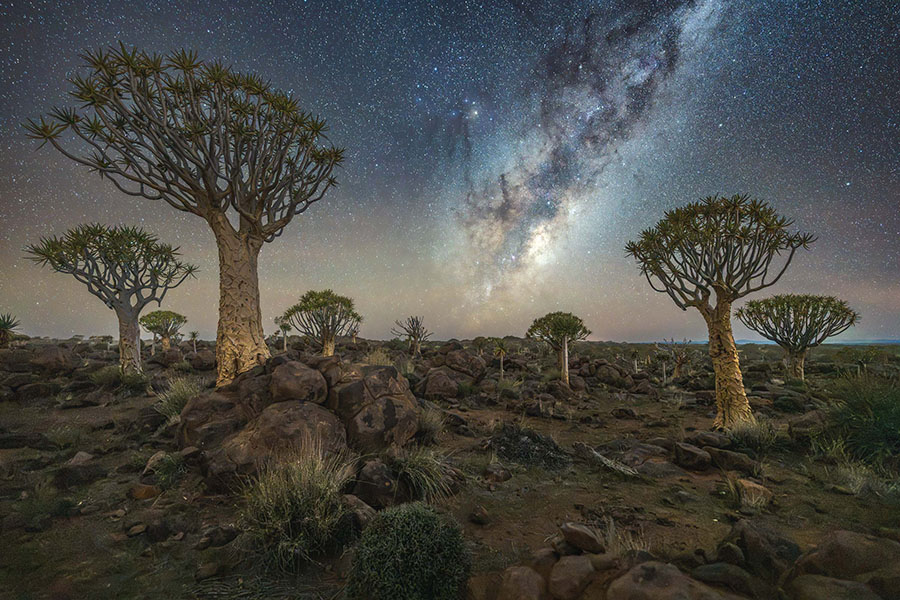
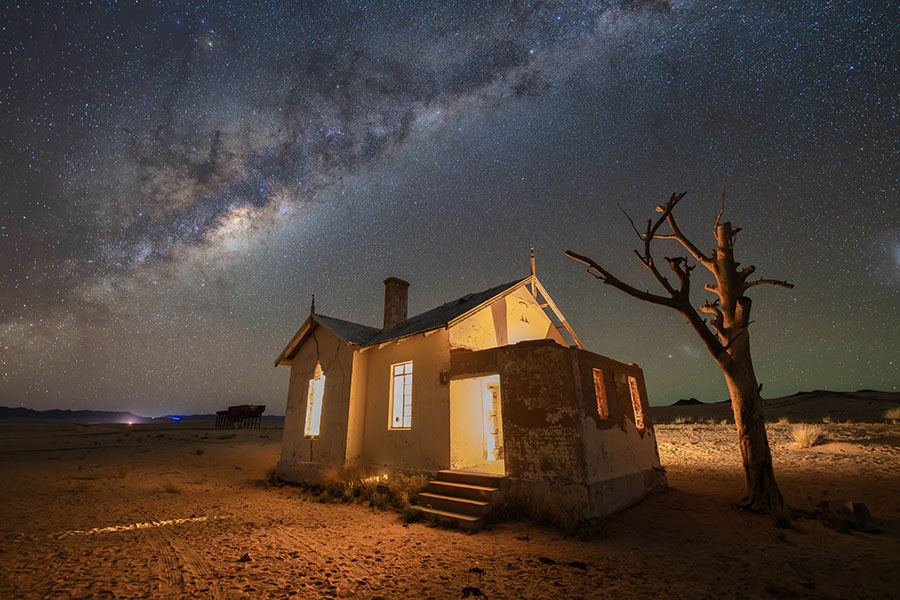
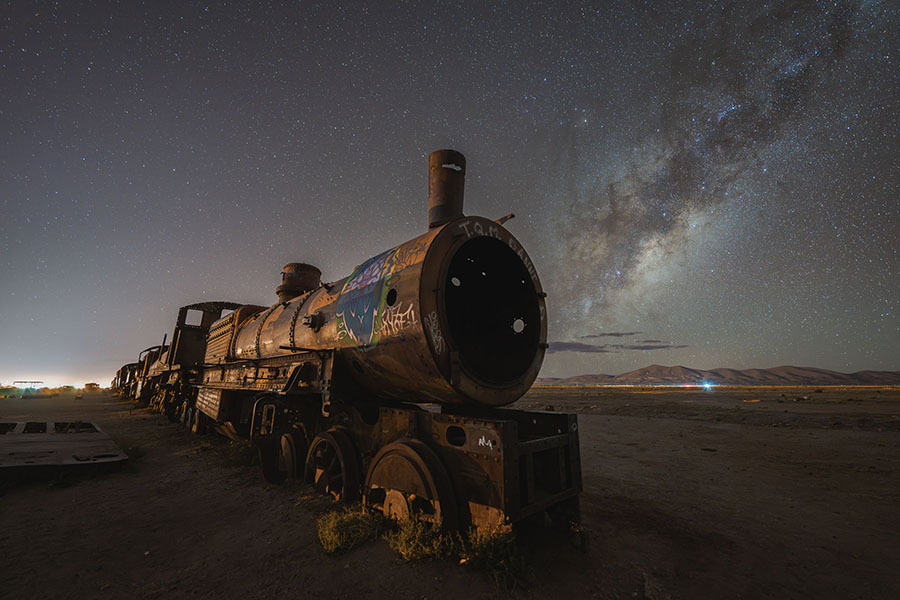
See examples edited with the Milky Way Magic Adaptive Presets

Who has developed the Milky Way Magic Adaptive Presets?
These presets and course have been created by Dan Zafra.
Dan is a professional landscape astrophotographer, educator, and co-founder of Capture the Atlas. His true calling is helping others unlock their creative potential and capture the beauty of the night sky.
Whether through online tutorials, photography tours, or workshops, he’s had the privilege of connecting with people from every corner of the globe and inspiring them to see the world through a different lens. Dan’s work has been recognized by esteemed organizations such as NASA, National Geographic, and Forbes, and he was named the People’s Choice Winner of the 2022 Astronomy Photographer of the Year award.
You can find more about Dan here.
You’ve probably seen Dan in…






Our Happy Students!
I’ve had the privilege of helping thousands of students improve their Milky Way photography over the last decade. Here are some testimonials:
SOME FREQUENT QUESTIONS
Do I need advanced Lightroom experience?
No. The presets are designed for photographers of all editing levels. The included tutorials and Workflow Guide explain how to install the presets, apply them in the recommended order, and customize the results.
What makes Milky Way Magic different from traditional presets?
Traditional presets usually apply the same global settings to the entire photograph. Milky Way Magic uses Lightroom’s advanced AI masking and local adjustment tools to target different areas of your image, including the Milky Way, sky, stars, and foreground. This creates a faster, more flexible, and more consistent workflow.
Which versions of Lightroom and Photoshop are compatible?
The presets are compatible with Adobe Lightroom Classic, Lightroom Desktop, and Adobe Photoshop through Adobe Camera RAW. You will need a current version of Lightroom or ACR that supports AI masking.
Do the presets work with both standard and astromodified cameras?
Yes. The workflow works with files from both standard and astromodified cameras, allowing you to achieve natural color regardless of the camera you use.
Will the presets work with every Milky Way photograph?
The adaptive masks allow the presets to adjust to many different images, cameras, skies, and foregrounds. However, every photograph is unique, so you may need to refine the strength of some adjustments according to your image and personal style.
Do the presets create a finished image automatically?
The presets provide a powerful foundation and guide you through the complete editing workflow, but you always retain control over the final result. You can adjust each effect to match your photograph and creative vision.
What is included with my purchase?
You will receive the complete Milky Way Magic Adaptive Presets collection, around one hour of step-by-step video tutorials, downloadable practice RAW files, and the Presets Workflow Guide.
How will I receive the presets and tutorials?
After completing your purchase, you will receive access to the presets, video tutorials, practice files, and downloadable guide, so you can begin following the workflow immediately.
Do you have any other questions?